
Theme
Lensatic
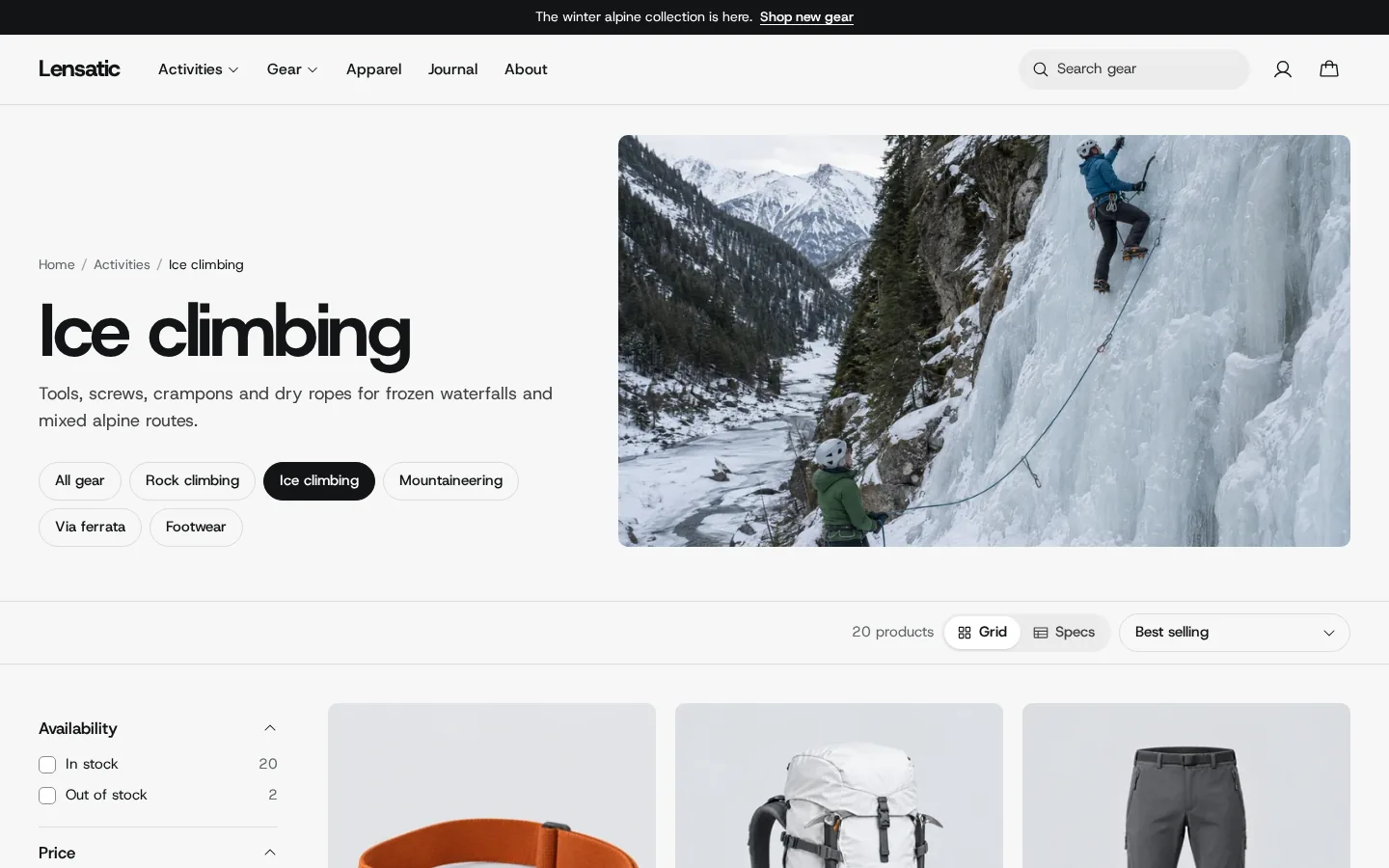
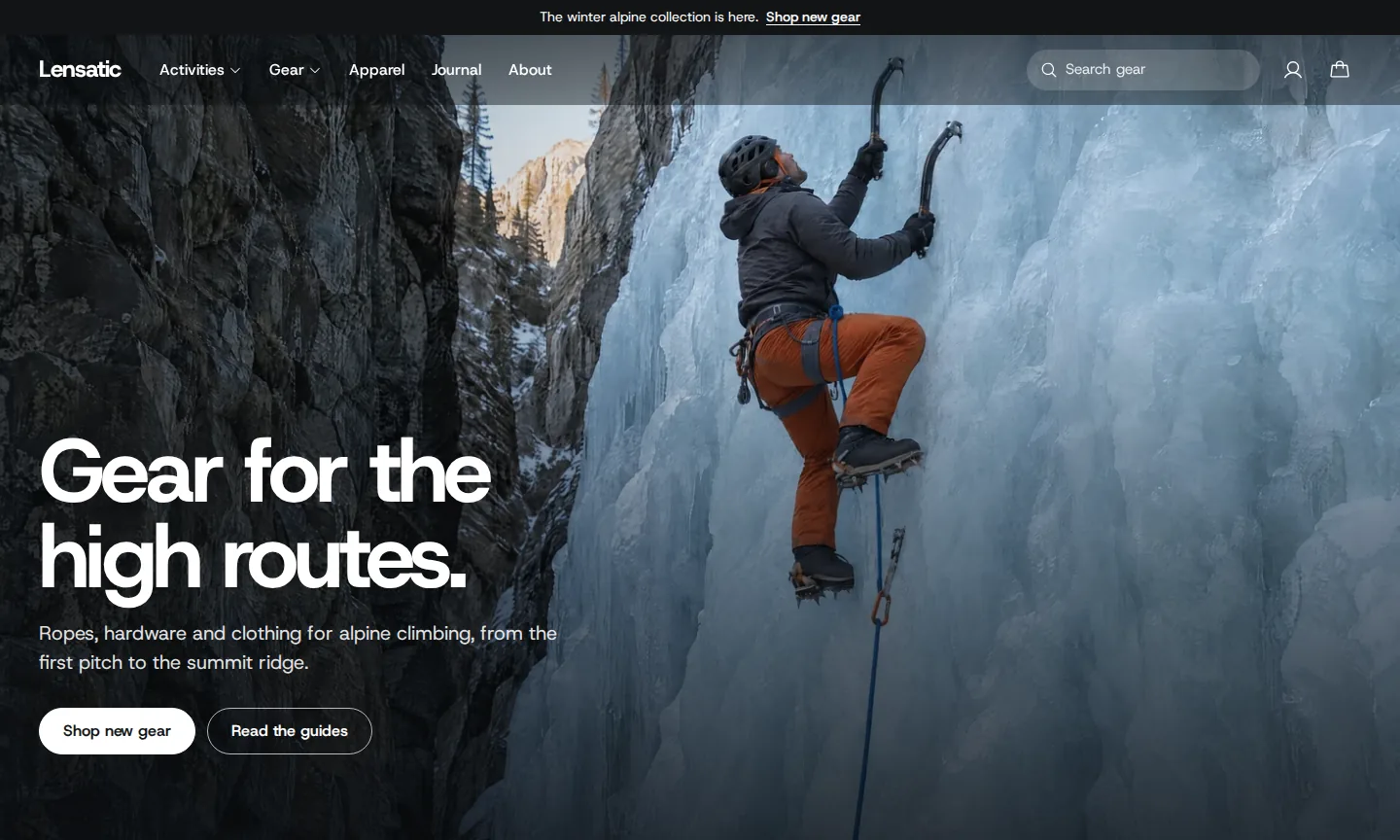
A theme for stores that sell technical outdoor and climbing gear. Shoppers filter, sort and compare products by their specifications. It suits any store whose customers compare specifications, from bikes to tools and electronics.
Documentation
Get started
Specifications
Built around specifications
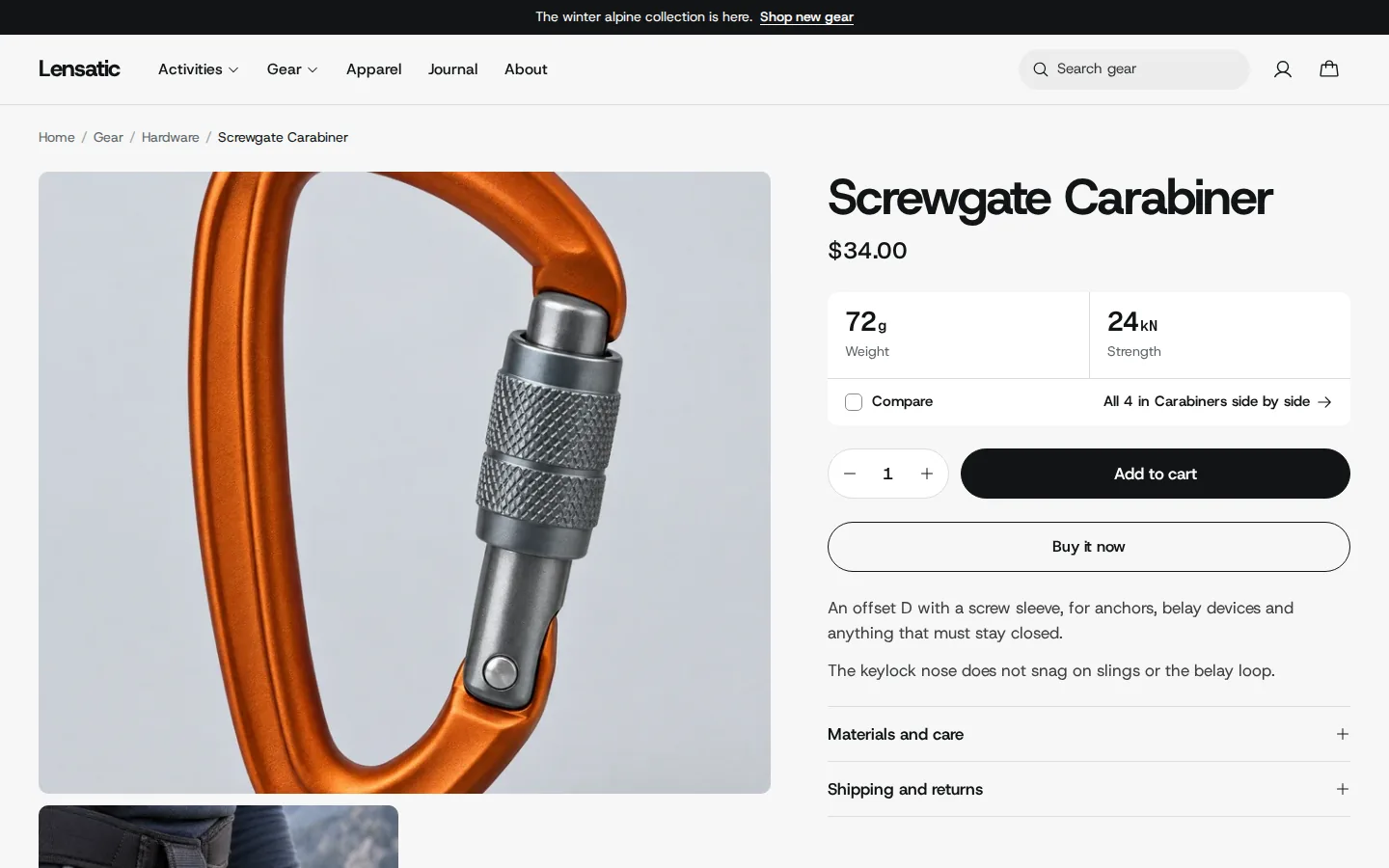
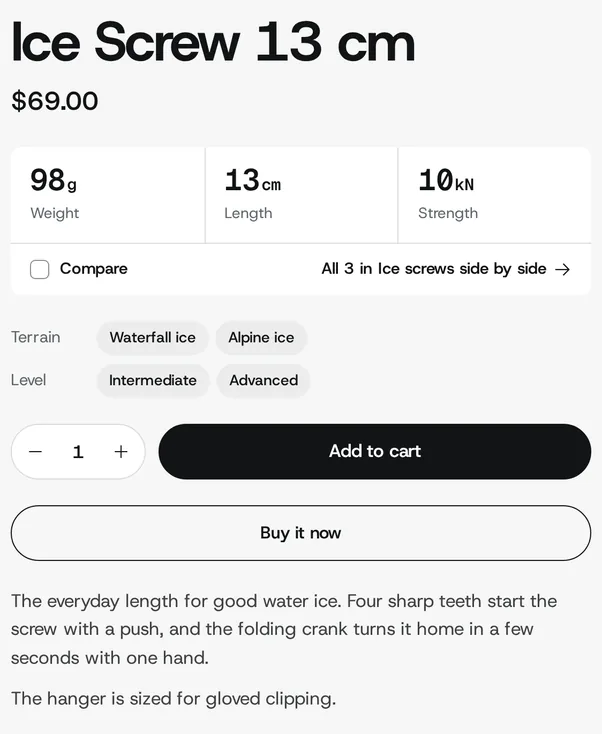
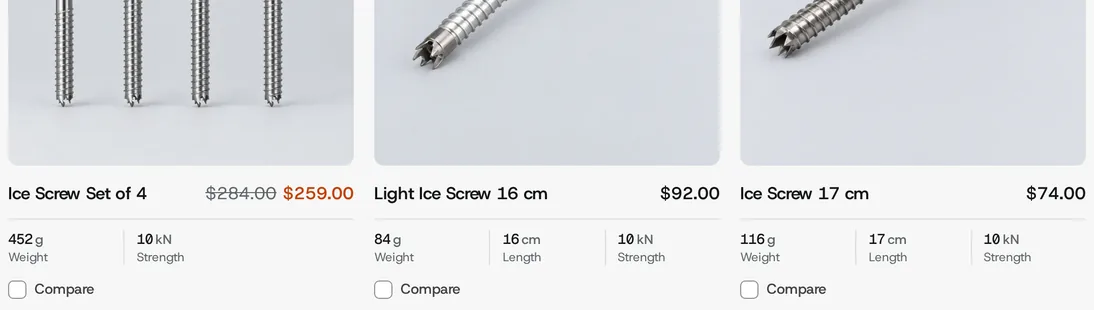
You add each value once, in a product metafield. Lensatic shows it on product cards, product pages, filters and comparisons.
Common questions
How many specifications can I show?
Up to six, plus two “Made for” values such as terrain or skill level. You set them up in Theme settings > Specifications.
Do I need an app to show specifications?
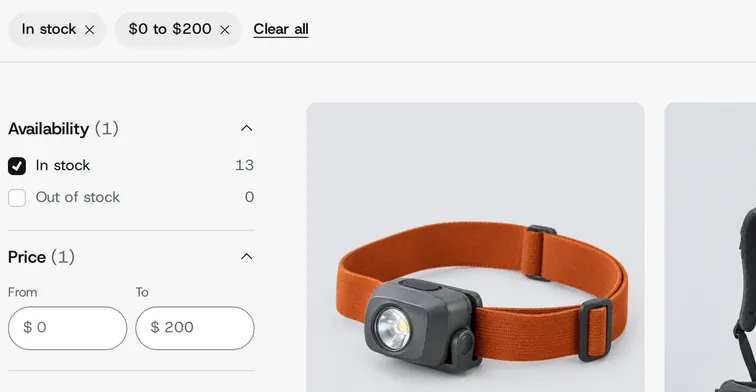
No. Specifications come from product metafields, which you create in your admin. To let shoppers filter by them, add the filters in the Search & Discovery app.
Can shoppers compare products?
Yes. Turn on Enable product comparison in Theme settings. Shoppers pick up to four products from product cards, specification tables and product pages, and see them side by side.
Can I use Lensatic for other kinds of products?
Yes. Specifications, filters, comparisons and the activity finder work with any products and collections, such as bikes, tools, electronics or sports equipment. A few default texts mention gear; to change them, go to Online Store in your admin, open the menu beside the theme and choose Edit default theme content.
How quickly do you answer support requests?
Within 2 business days. Send your request through the support form and include your store URL.